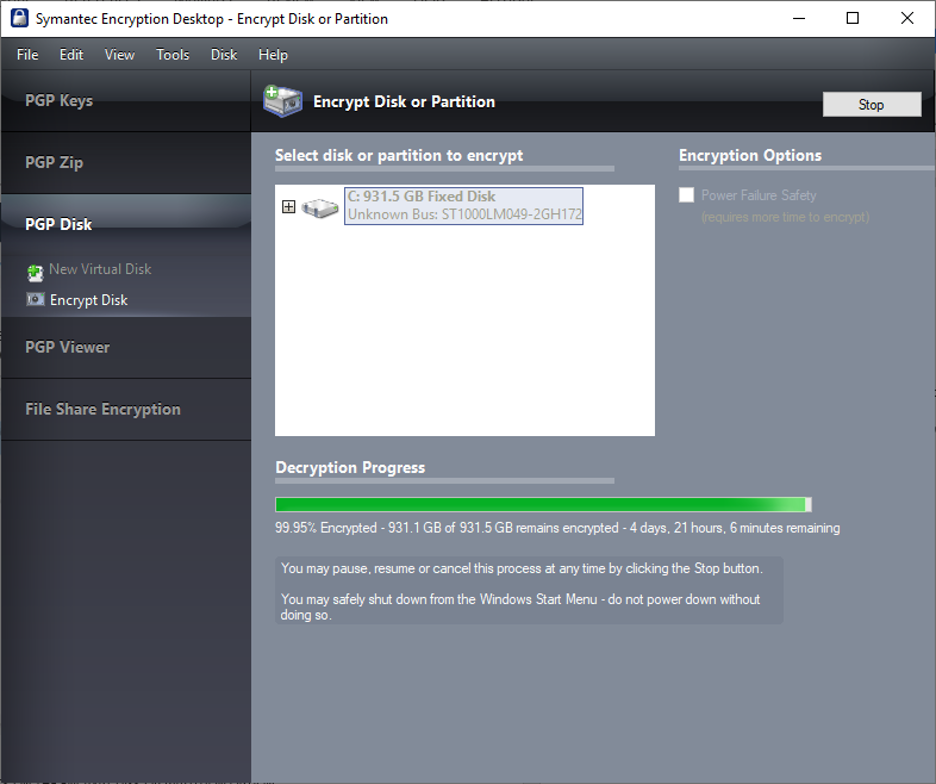
IMPORTANT: Please use the following instructions only if asked to do so by your YMCA IT department.
- PLUG IN YOUR LAPTOP TO POWER
It is important that your laptop is directly plugged in during this entire process. Failure to do so may create unrecoverable harm.
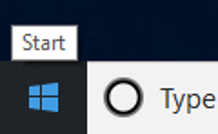
- CLICK ON WINDOWS START ICON
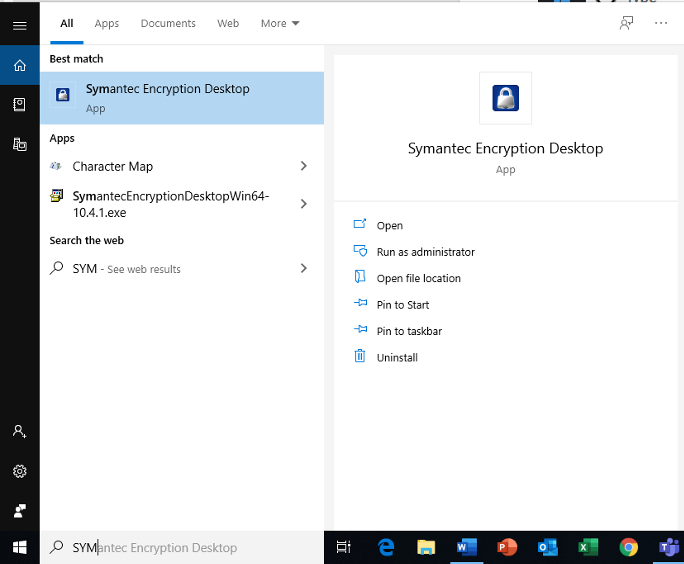
- TYPE AND OPEN APP NAMED: SYMANTEC DESK ENCRYPTION
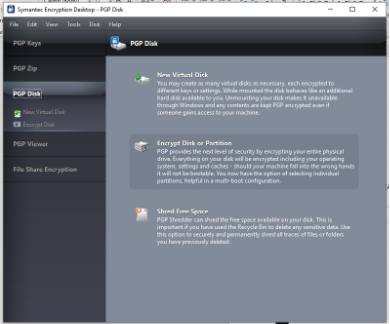
- HIGHLIGHT AND CLICK ON THE ENCRYPT DISK OR PARTITION OPTION
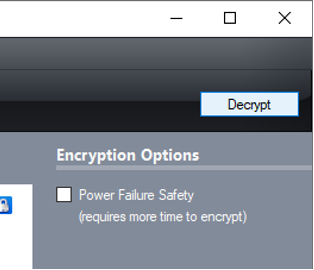
- CLICK ON THE DECRYPT BUTTON
- ENTER YOUR YMCA ACCOUNT PASSWORD
A Window will pop-up asking to put in a passphrase, you will enter your login password here and click on next
- DECRYPTION INITIATES
Decryption will run. Leave your computer powered on until process fully completes.