
- Browse to office.com
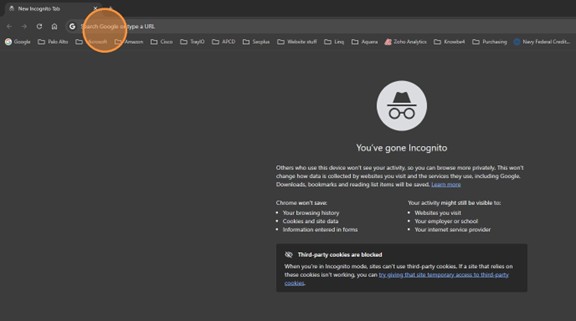
- Select sign in

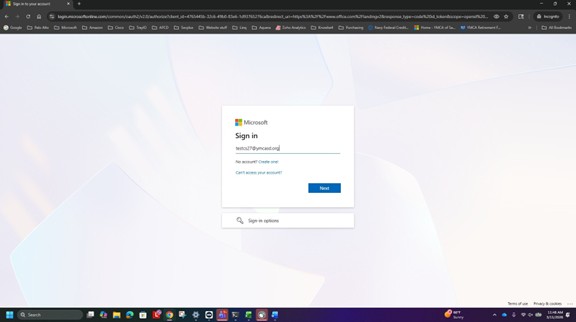
- Enter your YSD email address
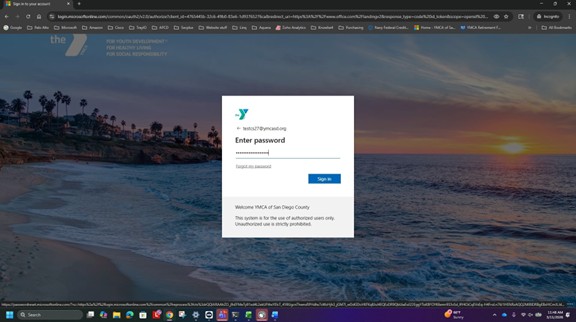
- Enter your YSD password
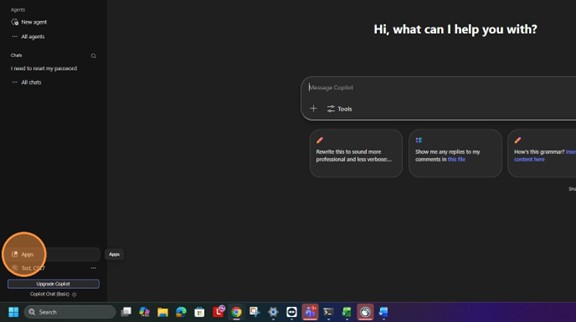
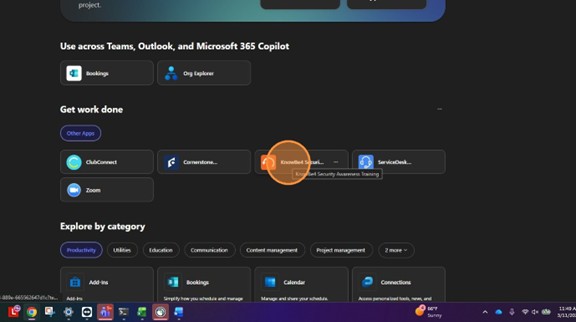
- Click Apps
- Select KnowBe4
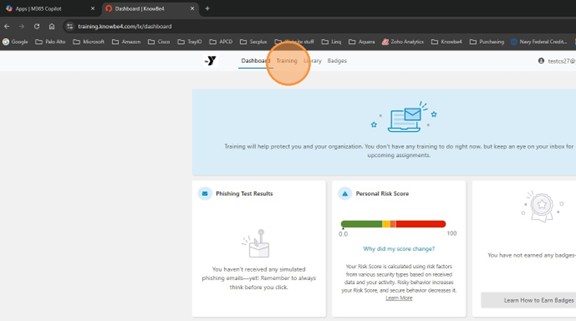
- Select Training
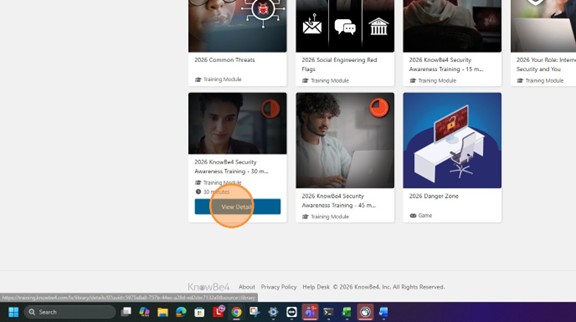
- Select the security training
Logging into KnowBe4 directly from site using a web-browser
1) Browse to https://training.knowbe4.com/
2) Login using your YMCA email address
3) Select security training